
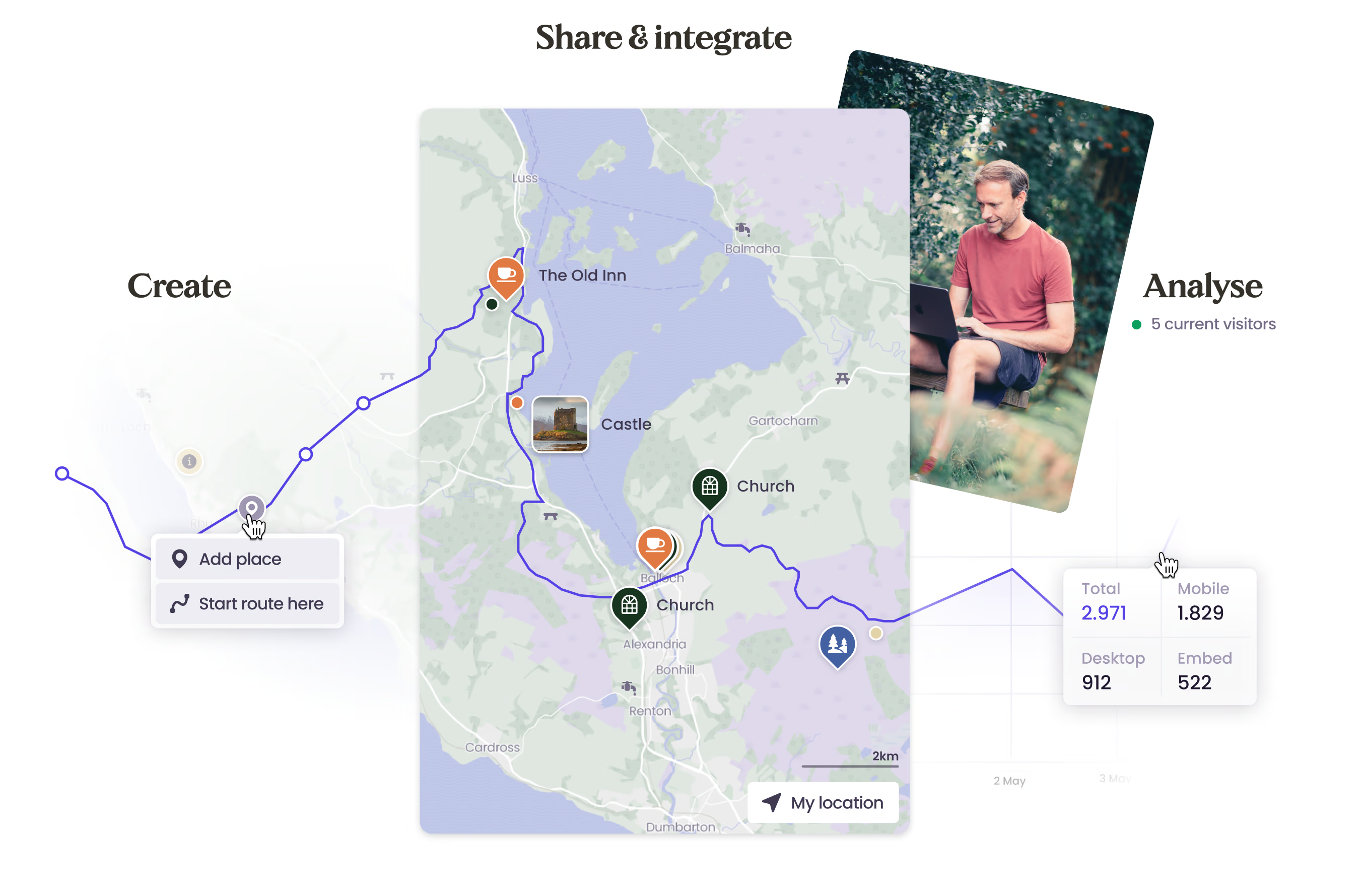
A map on your website within an hour
Create your map in Wolf Maps and place it easily on your website. For a store locator, a campaign map, or a deeply integrated map in your platform. Hosted in Europe and GDPR-proof.
They already embed with Wolf Maps








Fast to deploy on your website
Live in no time
Get a map onto your website quickly through an embed. In Wolf Maps Studio, you can set it up yourself with ease, without a custom project or intermediary.
Feels like part of your site
Visitors stay inside your own environment. The map feels familiar, user-friendly, and fits naturally within the rest of your website.
From store map to regional platform
From a store locator and campaign map to a temporary event page or regional platform: with Wolf Maps Embed, you bring map and content together on your own website.
Your maps, you’re in control
Your own places, routes, and areas
Add locations, routes, and areas yourself and decide how your map is structured. That keeps your map logical, up to date, and relevant for your visitors.
Your content, front and center
Give those places, routes, and areas extra context with text, images, audio, and video. That way, you show not only where something is, but also why it matters.
Analytics & insight
See which embeds are used, which places attract attention, and where visitors click. These insights help you make better choices for content, page structure, and what to improve next.
Technical integration
Automatic through API and data sources
Connect your own CMS, database, or other source and load content into your maps automatically. Ideal when you work with many locations, changing content, or existing workflows.
An embed that adapts to the page
With the Embed SDK, the same map can respond intelligently to the content on your website. Show the right location automatically on each location page, decide which elements stay visible, and let map and content work together more smoothly.
Start small, scale smart
You do not need to lock everything down technically from day one. Start simply and expand later with smarter integrations or more interaction between map and website whenever that becomes useful.
Want to discuss the right integration inside your website?
Try the embedded map
They already create beautiful maps


I amsterdam City Card
The I amsterdam City Card offers a unique way to explore Amsterdam. You get access to all major highlights and more than 70 museums, city-wide public transport, a canal cruise and bicycle rent. Discover all included attractions, museums, and more in this handy visual map.
Wolf Maps enhances our iamsterdam.nl website and campaigns. It easily shows (international) visitors how close the Amsterdam metropolitan area is and how quickly they can reach attractions. We also use the map for our 24-hour event, helping residents find free locations and the Great Amsterdam Quiz effortlessly. The interactive map is user-friendly and clear.
 Julia Hildesheim Amsterdam & Partners
Wolf Maps works as one coherent whole. Visitors discover the national park on the screen in the visitor center, use the same map on the website, and take it with them as a guide while they are out in the area. And we manage everything from one place.
 André Brasse National Park Drentsche Aa


Marathon Groningen powered by Campus Groningen
Hier vind je de interactieve kaart van de Marathon Groningen powered by Campus Groningen. Bekijk het parcours, handige locaties en beleef op 18 april 2027 dit hardloopavontuur door de natuur en het hart van Groningen. Veel succes en plezier!
Thanks to the interactive map, participants and spectators of the Menzis 4 Mijl van Groningen got a clear and complete overview of the entire event. This resulted in significantly fewer questions and more understanding of possible detours and closures. Invaluable for us.
 Johan Meijer Golazo
We are incredibly happy with our interactive map for Het Ziltepad! We can make updates instantly, so walkers are always informed of the latest changes. It’s great that users can zoom in, turn categories on or off, and easily check everything while on the go — no app needed. It’s user-friendly and the support team is fantastic!
 Ruth ter Voort Het Ziltepad
Why this works on your site
One map, many places on your site
Use the same map across overview pages, campaign templates, store locators, or themed landing pages. This keeps everything consistent without duplicate management.
Your brand stays leading
Visitors remain inside your website and experience the map as part of your product, brand, and navigation. That creates calm and trust.
Your content team stays in control
You do not need development for every change. Manage maps, locations, and content in Studio while the embed on your website stays current.
Less custom development, more speed
Start small with an embed and only add extra technology when it becomes necessary. That helps you go live faster and keep development focused on the places where it adds the most value.
Insight into usage
Measure what works on map level and use those insights to improve your website, content, and navigation. That means steering on behavior instead of assumptions.
Secure, European, and GDPR-proof
Wolf Maps is hosted in Europe and built with privacy as a foundation. Useful insights, without unnecessary tracking headaches.
How do you implement Wolf Maps Embed?
-
Build your map(s)
Set up your map yourself with the right categories, locations, and routes for your website or platform.
-
Connect API or your own data
Work manually or connect your own data source or system to load content into your map automatically.
-
Integrate it into your website
Place the map as a simple embed or use the Embed SDK to let it respond more intelligently to your page or platform.
-
Keep developing
Start simple and expand later when needed. Use analytics to see what works and adjust your content or integration accordingly.


You can start small and grow technically when needed. First build your map(s) in Studio, optionally connect your own data, and then bring everything into your website. From there you keep optimizing with content updates, insights, and deeper integrations.


